

Prerequisites
- Basic understanding of REST APIs. If you’re new to APIs, check out this video.
What is an Action?
An action is a task that your agent can execute that involves interfacing with the outside world. For example:- Calling the Google Calendar API to book an appointment for a user.
- Fetching a funny quote from a public API and reciting it to a user.
Creating an Action
Navigate to Actions Page
Go to our Actions page where you’ll find the action creation form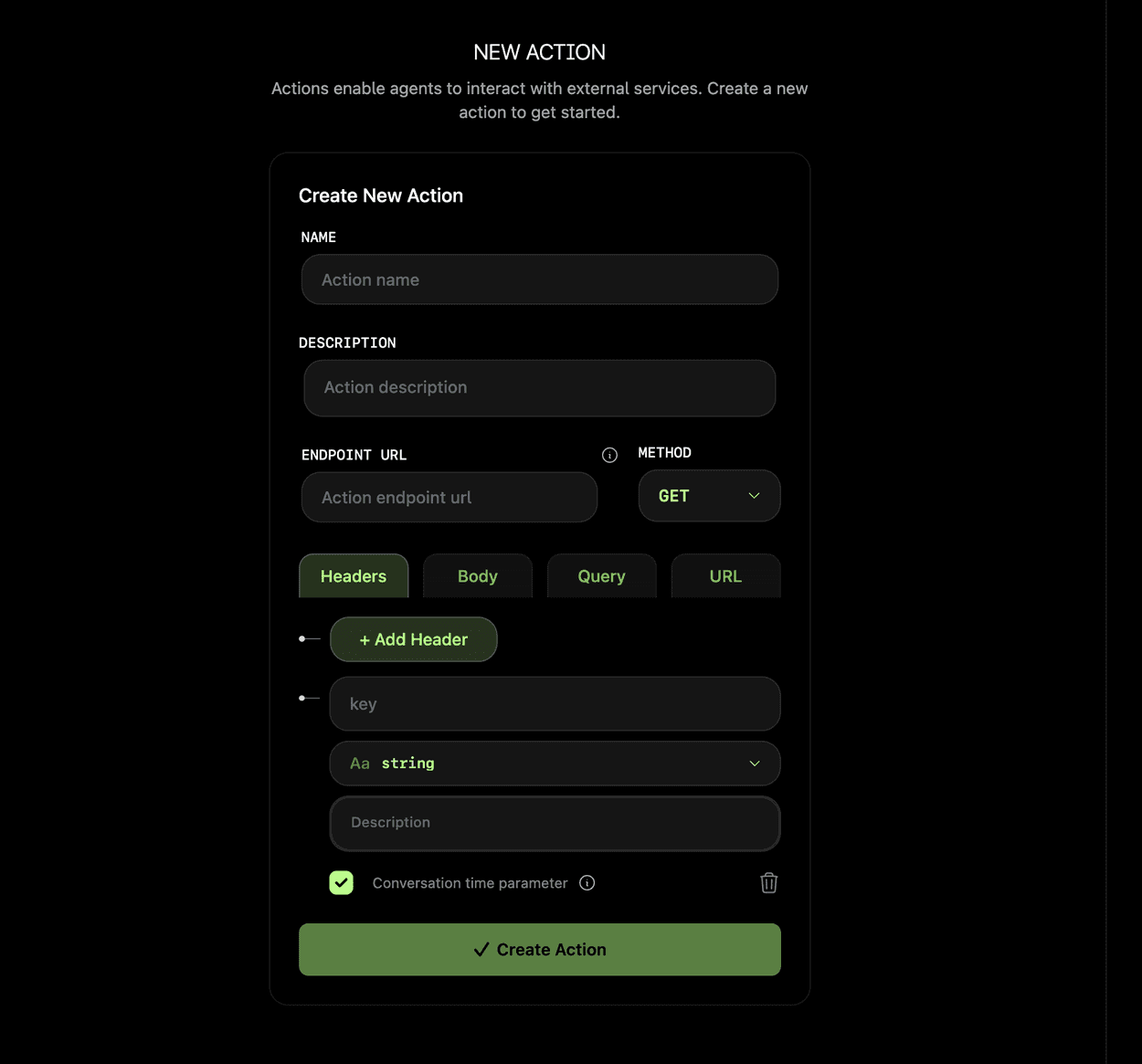
Describe Your Action
Create a clear description that agents will use to determine when to invoke the action. For example: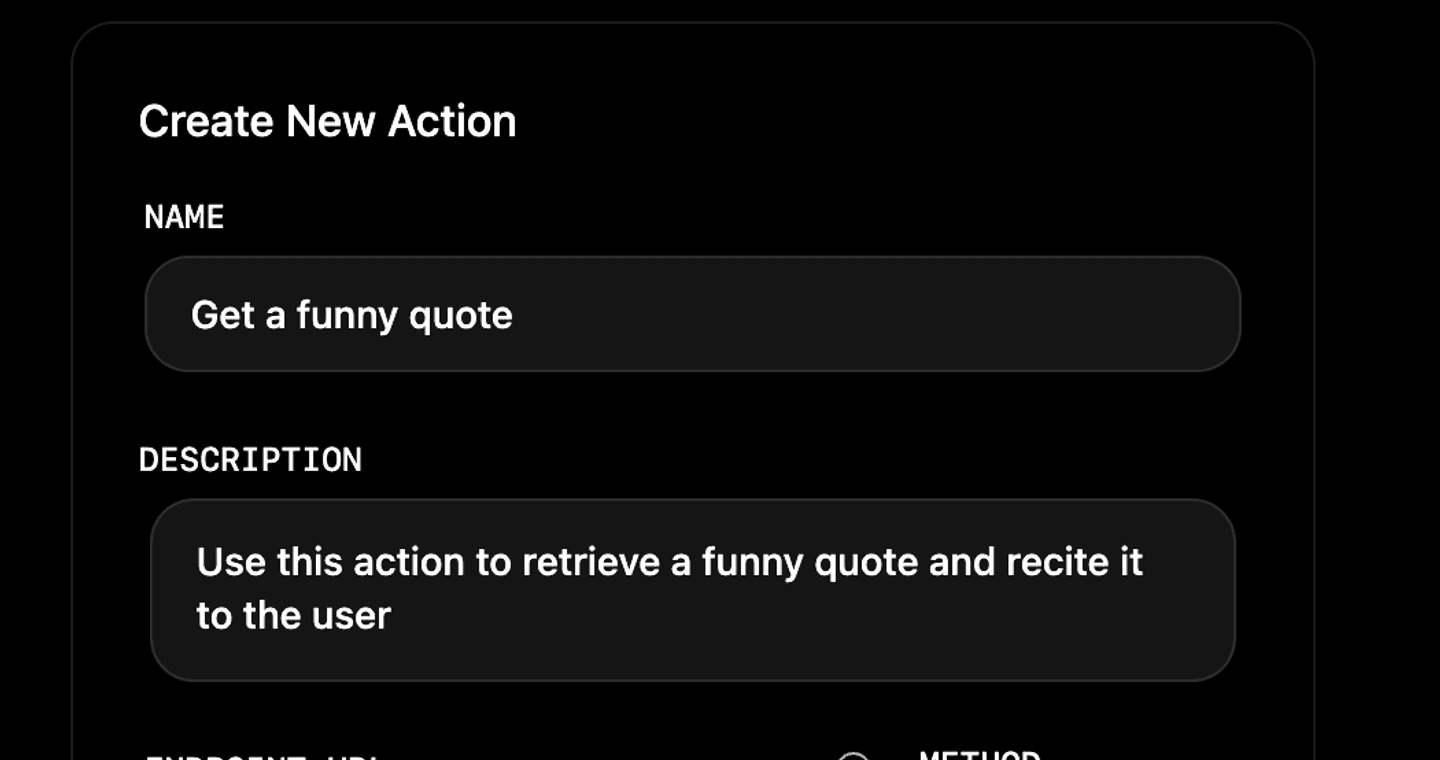
- “Get a funny quote” will work when users ask for funny quotes
- “fry me a hot dog” won’t work as the agent won’t understand the action
Configure Endpoint and Method
Enter the URL for your API endpoint and choose the appropriate request method. This can be: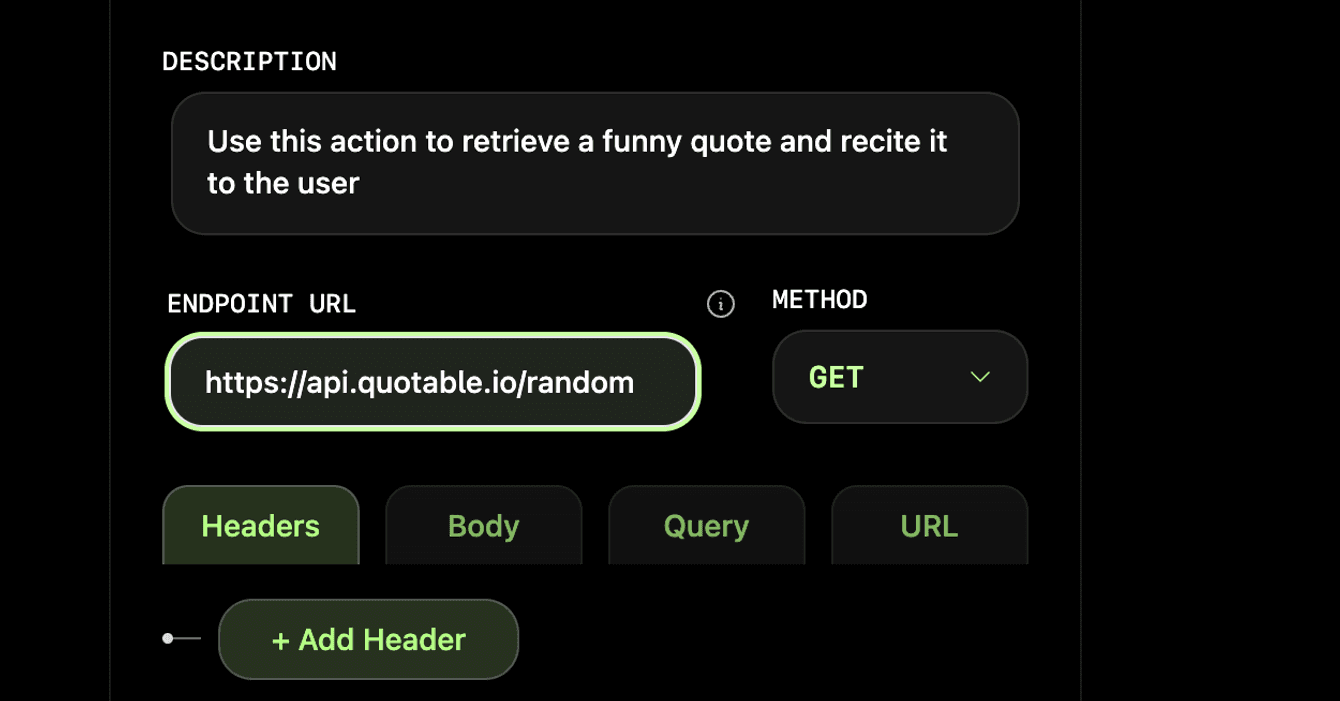
- A public API
- An API you built yourself
- Any other accessible API endpoint
Set Up Parameters
Configure your parameters in two ways:Static Parameters: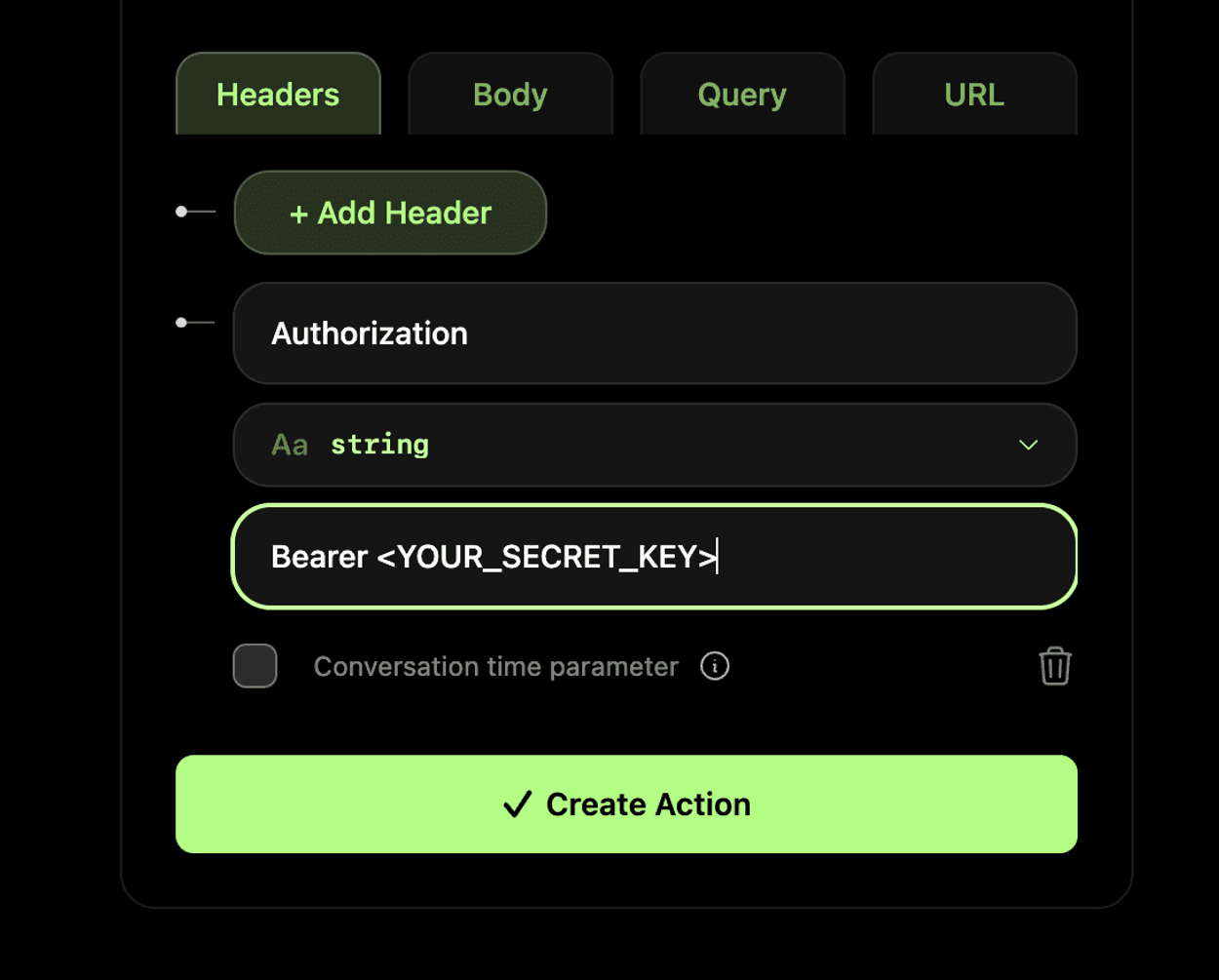 Dynamic Parameters: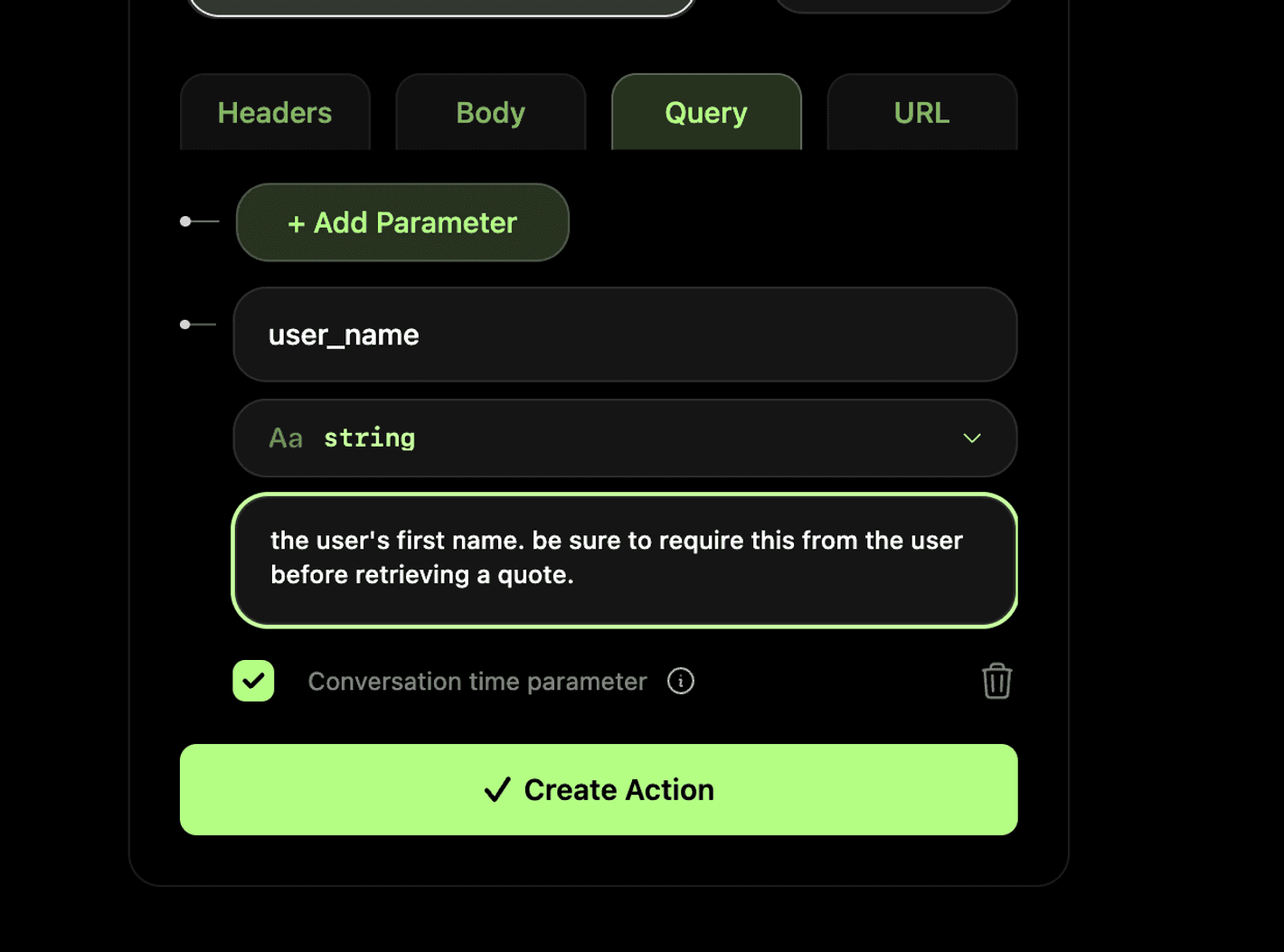
- Parameters that remain the same for every action invocation
- Useful for API keys and constant values
- Uncheck “Conversation time parameter” checkbox
Dynamic Parameters:- Parameters determined from the conversation
- Examples: user’s name or email address
- Check “Conversation time parameter” checkbox
Enable Your Action
Enable your action by either:Check the box for your action at the bottom of the composition form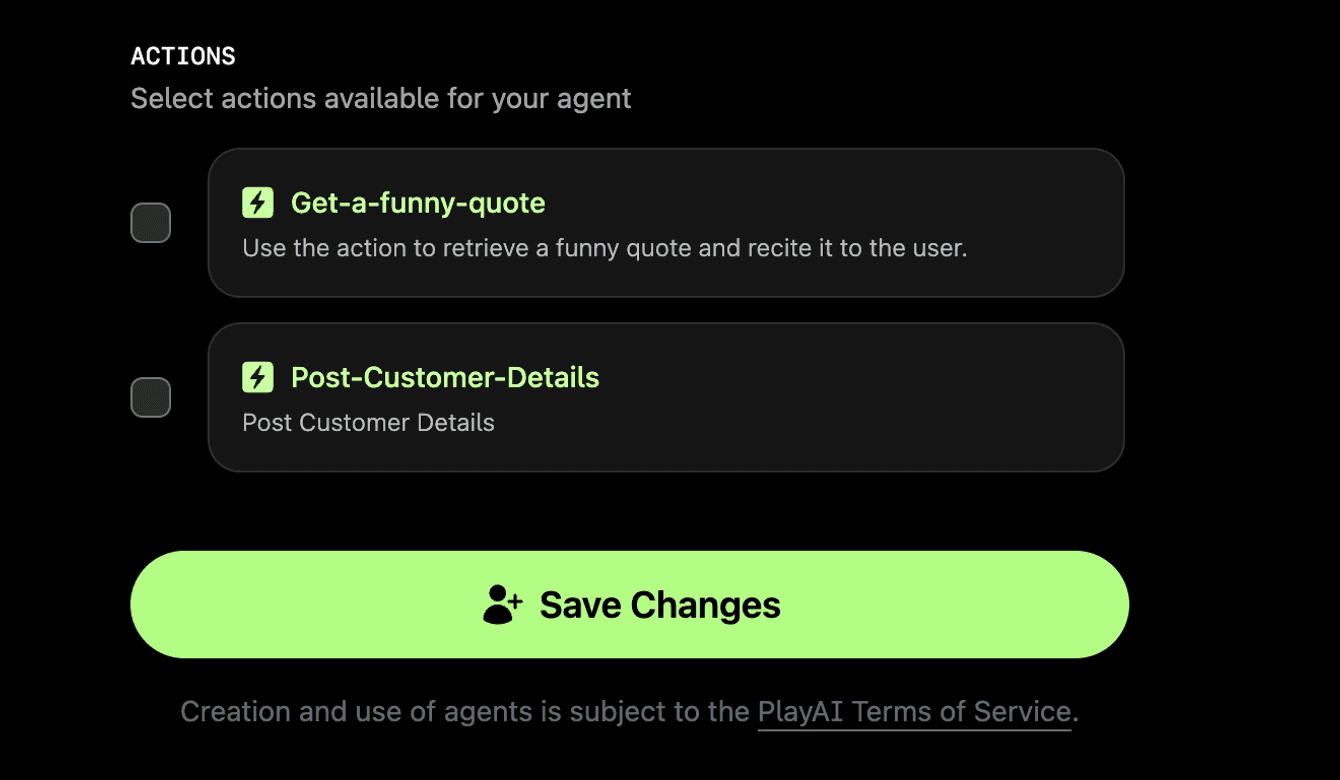
Test Your Action
- Navigate to your agents
- Start a conversation
- Ask the agent to perform your action
- If it fails, debug using the conversations page
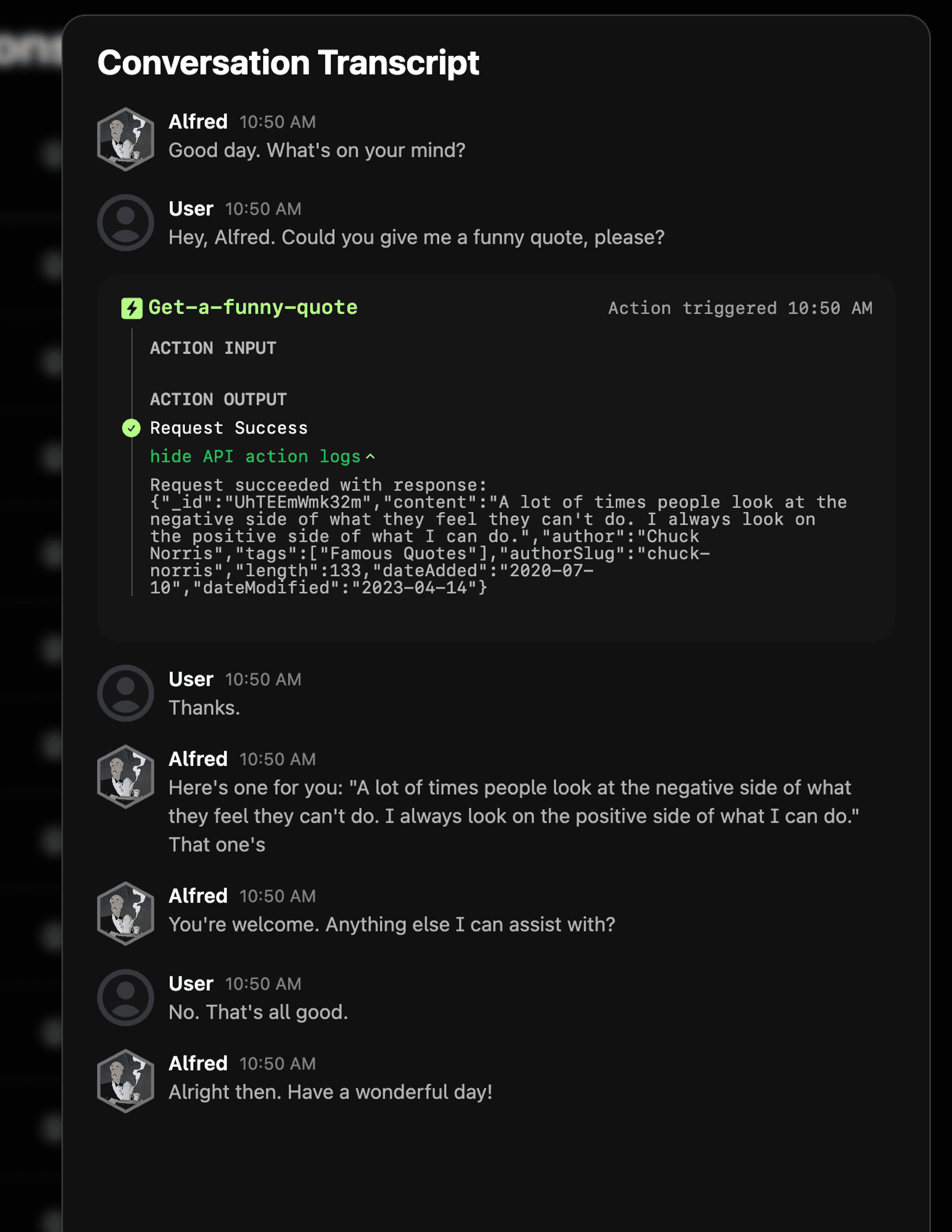 Note: A conversation ID will be included in the request body to help identify requests from the same conversation.