> ## Documentation Index
> Fetch the complete documentation index at: https://docs.play.ai/llms.txt
> Use this file to discover all available pages before exploring further.
# Delete Account
> Steps on how to delete your Play Account
### Detailed Steps
* Go to your [Play AI Account Management](https://play.ai/settings)
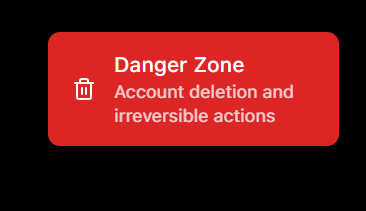
* Select and go to the Danger Zone
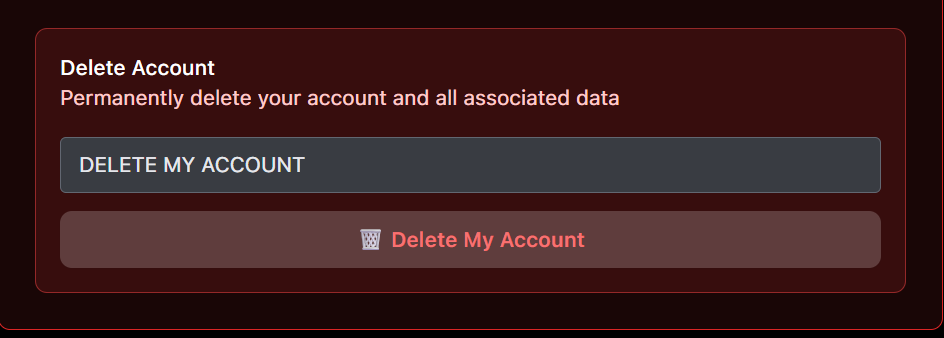
* Next, go ahead and type **DELETE MY ACCOUNT** in the delete section
* Lastly go ahead and click on **Delete My Account** button.
Warning!! This action is irreversible which means once you click to delete your account, you shall lose all access.
All your data will be deleted and your account will be closed.
 * Next, go ahead and type **DELETE MY ACCOUNT** in the delete section
 * Lastly go ahead and click on **Delete My Account** button.